· Flutter Deep Dives · 3 min read
flutter_animate MoveYEffect - Animate Floating Flutter Messages Without Layout Jumps
Learn how to use flutter_animate MoveYEffect for floating validation and status messages while keeping surrounding Flutter layout stable.
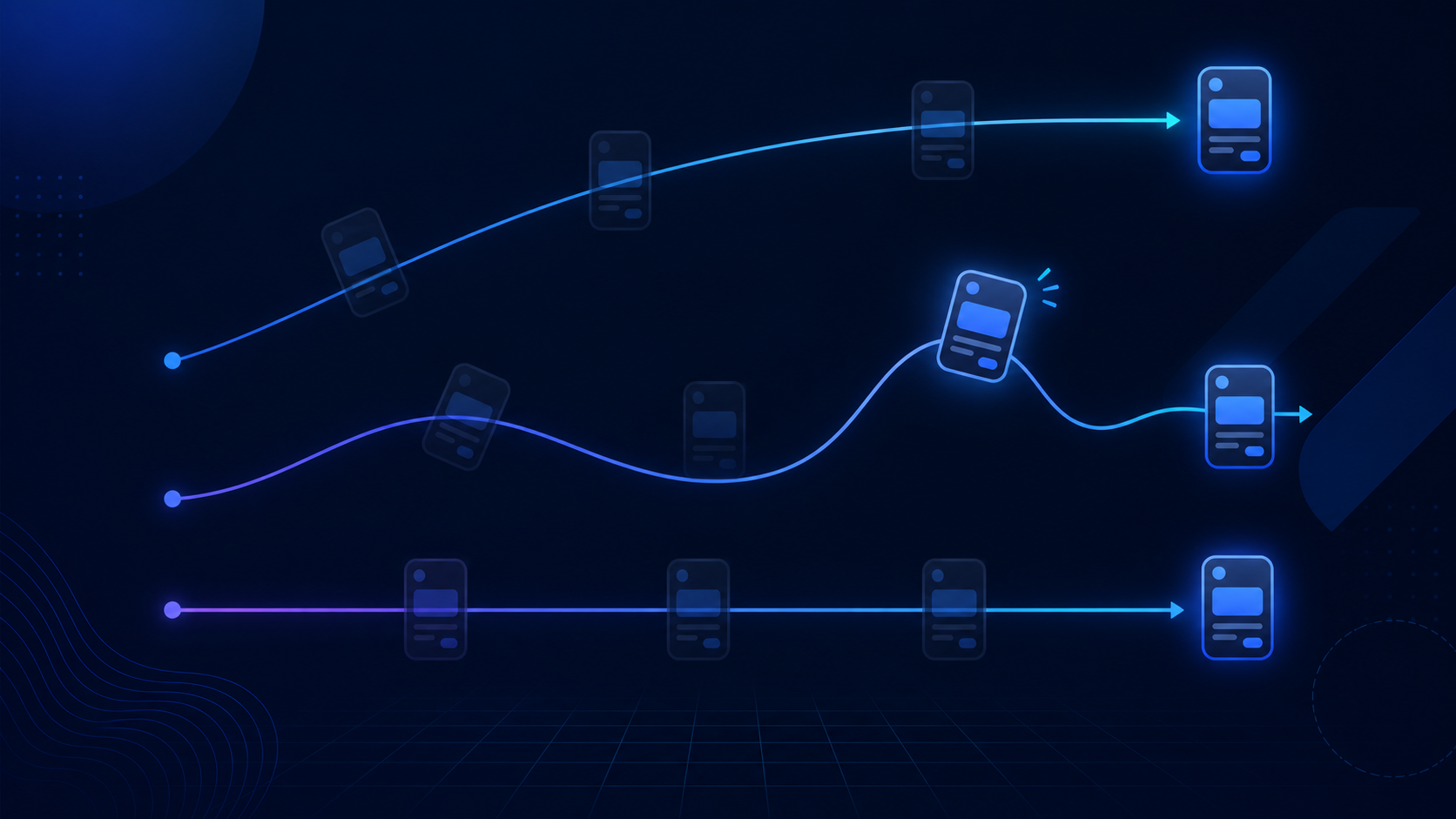
The important detail is that the message moves visually while the form’s layout keeps the same height.
flutter_animate’s moveY effect is useful when a widget should appear to rise into place without pushing its neighbors. I use it for validation messages, compact upload status, and small action confirmations. The trap is treating it like a layout animation: moveY applies a transform, so the widget still occupies its original space even while it is moving.
MoveYEffect or SlideEffect?
Both effects translate a widget, but they express different distances. slideY uses a fraction of the widget’s own size, while moveY uses logical pixels. For a validation label that should travel exactly 6 pixels, moveY is easier to reason about. A slideY value of 0.1 changes when the text wraps or the font size changes.
| Effect | Distance | Good fit | Common mistake |
|---|---|---|---|
moveY | Logical pixels | Small, fixed micro-interactions | Using a large offset on a dense form |
slideY | Widget-size fraction | Responsive entrances | Forgetting that text height changes the distance |
fadeIn | Opacity | Supporting motion | Using opacity alone for an important state change |
A floating validation message
Keep the message in the tree when its state is known, and animate its visibility with a stable key. The SizedBox reserves a small slot, so the form does not jump when the error appears.
Widget validationMessage(String? error) {
  final visible = error != null && error.isNotEmpty;

  return SizedBox(
    height: 24,
    child: visible
        ? Text(
            error,
            key: ValueKey(error),
            style: const TextStyle(color: Colors.red, fontSize: 12),
          )
            .animate()
            .fadeIn(duration: 140.ms, curve: Curves.easeOut)
            .moveY(
              begin: 6,
              end: 0,
              duration: 180.ms,
              curve: Curves.easeOutCubic,
            )
        : const SizedBox.shrink(),
  );
}
The 6-pixel distance is intentional. I tried 16 pixels first, and the message looked like it came from a different section of the form. Small motion keeps the relationship with the input obvious. ValueKey(error) makes a changed error message replay the transition, while an unrelated parent rebuild does not need to restart it.
A status message that should not reserve space
For a toast-like confirmation, use a Stack and animate a Positioned child. This keeps the message out of the normal layout flow entirely.
class SaveStatus extends StatelessWidget {
  const SaveStatus({super.key, required this.saved});

  final bool saved;

  @override
  Widget build(BuildContext context) {
    return Stack(
      children: [
        const EditorForm(),
        if (saved)
          Positioned(
            left: 16,
            right: 16,
            bottom: 24,
            child: const _SavedBanner()
                .animate(key: const ValueKey('saved'))
                .fadeIn(duration: 160.ms)
                .moveY(begin: 12, end: 0, duration: 220.ms),
          ),
      ],
    );
  }
}
Positioned is the right boundary here. The banner can move and fade without affecting the editor’s constraints. If the banner is conditionally removed immediately, it still cannot play an exit animation; keep it mounted until the exit effect completes, or hand removal to AnimatedSwitcher.
Three checks before shipping
- Use
moveYfor a measured distance andslideYwhen the movement should scale with the widget. - Keep the offset small, usually 4–12 logical pixels for messages and badges.
- Give state-driven animated children stable keys. Otherwise a parent rebuild can replay an entrance at the wrong time.
The useful mental model is simple: moveY changes where the pixels are painted, not where Flutter measures the widget. That makes it a clean tool for feedback layered onto an existing layout, as long as the widget’s lifetime and key are managed deliberately.