· Flutter Deep Dives · 3 min read
go_router pop and canPop - Handle Flutter Back Navigation Safely
Learn how to use go_router pop and canPop for safe Flutter back navigation, nested stacks, fallback routes, and unsaved form handling.
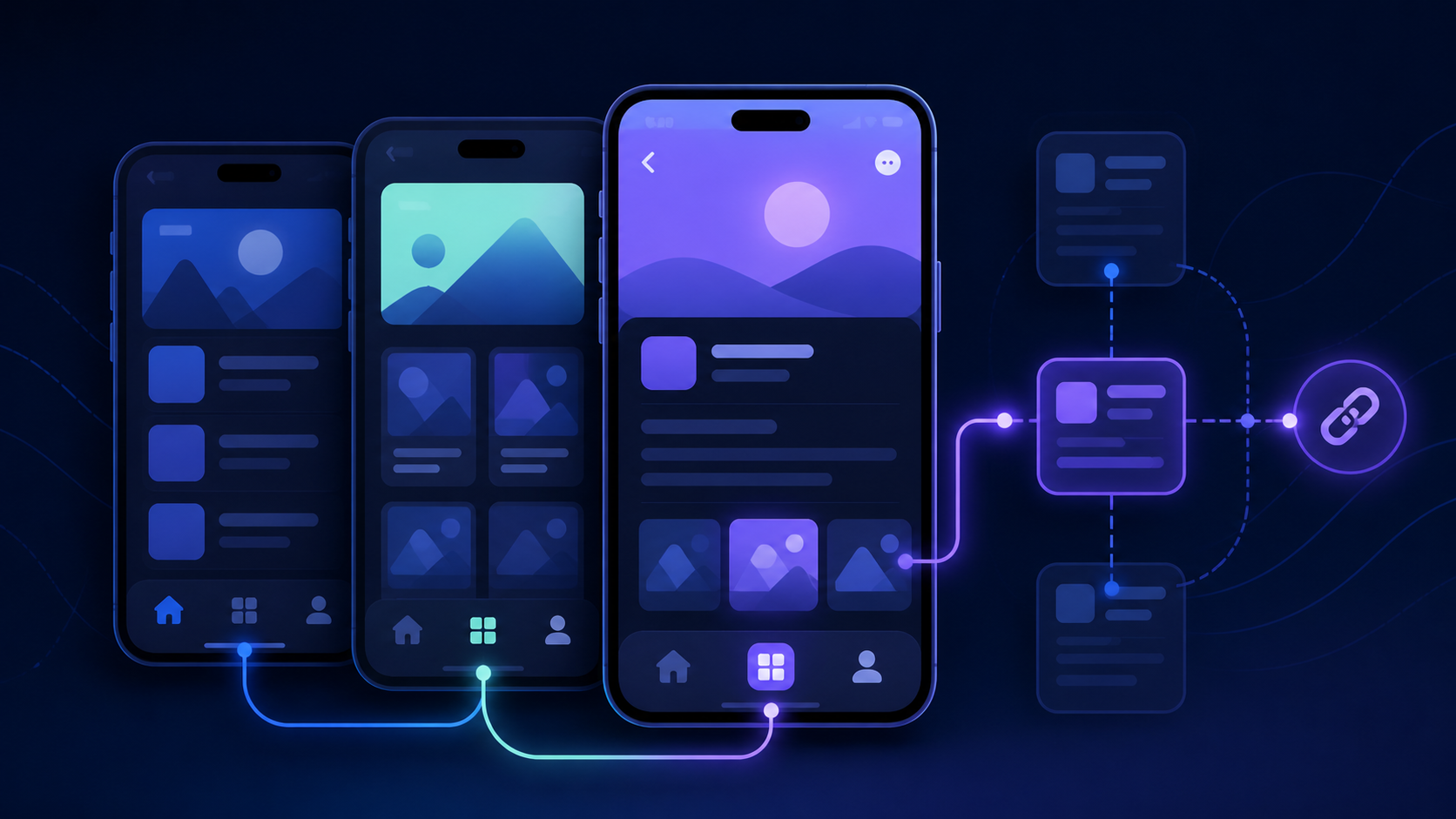
go_router gives Flutter back navigation two small but important tools: context.canPop() tells whether the current router stack has something to remove, and context.pop() removes the top route. The useful pattern is to check first, then choose a fallback such as /home. This prevents a custom back button from pretending that every screen has a previous page.
Why a plain Navigator.pop can be misleading
This is easy to write:
IconButton(
  icon: const Icon(Icons.arrow_back),
  onPressed: () => Navigator.of(context).pop(),
)
It can become unreliable when the app uses ShellRoute, a StatefulShellRoute, or a dialog presented by the root navigator. The BuildContext may belong to a different navigator than the route the user thinks they are leaving. I have also seen a back button do nothing on a deep link because the page was opened directly and the stack contained no previous app route.
go_router keeps the operation aligned with the router configuration:
class BackButtonOrHome extends StatelessWidget {
  const BackButtonOrHome({super.key});

  @override
  Widget build(BuildContext context) {
    final hasPreviousRoute = context.canPop();

    return IconButton(
      tooltip: hasPreviousRoute ? 'Back' : 'Home',
      icon: Icon(
        hasPreviousRoute ? Icons.arrow_back : Icons.home_outlined,
      ),
      onPressed: () {
        if (context.canPop()) {
          context.pop();
        } else {
          context.go('/home');
        }
      },
    );
  }
}
The fallback matters for URLs opened from a notification, email, or browser bookmark. There may be no history inside the Flutter app, but the user still needs an obvious destination. The condition should be evaluated at tap time too; a cached value can become stale after another navigation event.
pop versus go in a nested shell
These calls express different intentions:
| Call | Meaning | Good use |
|---|---|---|
context.pop() | Remove the current top route | Return from a detail page to its list |
context.go('/home') | Set the app location to a known URL | Leave a deep link with no local history |
context.push('/details') | Add a new route to the stack | Open a detail page while preserving the list |
In a bottom-navigation shell, a detail route should normally use pop, not go('/list'). go changes the location and can rebuild the branch, while pop preserves the stack semantics the user expects. Conversely, using pop as a “go to home” action is fragile because the number of intermediate routes is not fixed.
Protecting an unsaved form
For a form, the back gesture and system back button must be handled as well as the app bar button. PopScope can block the pop while the form asks for confirmation:
class EditProfilePage extends StatelessWidget {
  const EditProfilePage({super.key, required this.isDirty});

  final bool isDirty;

  @override
  Widget build(BuildContext context) {
    return PopScope(
      canPop: !isDirty,
      onPopInvokedWithResult: (didPop, result) async {
        if (didPop || !isDirty) return;

        final discard = await showDialog<bool>(
          context: context,
          builder: (dialogContext) => AlertDialog(
            title: const Text('Discard changes?'),
            actions: [
              TextButton(
                onPressed: () => Navigator.pop(dialogContext, false),
                child: const Text('Keep editing'),
              ),
              FilledButton(
                onPressed: () => Navigator.pop(dialogContext, true),
                child: const Text('Discard'),
              ),
            ],
          ),
        );

        if (discard == true && context.mounted) {
          context.pop();
        }
      },
      child: const Scaffold(
        body: Center(child: Text('Edit profile')),
      ),
    );
  }
}
The dialog uses its own dialogContext deliberately. Popping with the page context could remove the form instead of closing the dialog. The explicit context.mounted check also matters because the asynchronous dialog can finish after the page has already been disposed.
Practical checks
- Test the same page after
push, after a direct URL launch, and inside a shell branch. - Keep a fallback route for deep links with no local history.
- Use
popfor “return one level” andgofor “arrive at this location”. - Test Android back, browser back, app bar back, and unsaved-form cancellation separately.
The core rule is small: ask canPop before a conditional back action, use pop when removing one route, and use go when choosing a known destination. That distinction keeps Flutter navigation predictable as the route tree grows.