· Flutter Deep Dives · 5 min read
Drift SchemaVerifier - Catch Flutter Migration Breaks Before Production
Use Drift step-by-step migrations and SchemaVerifier to test skipped Flutter database versions, schema changes, and data preservation before release.
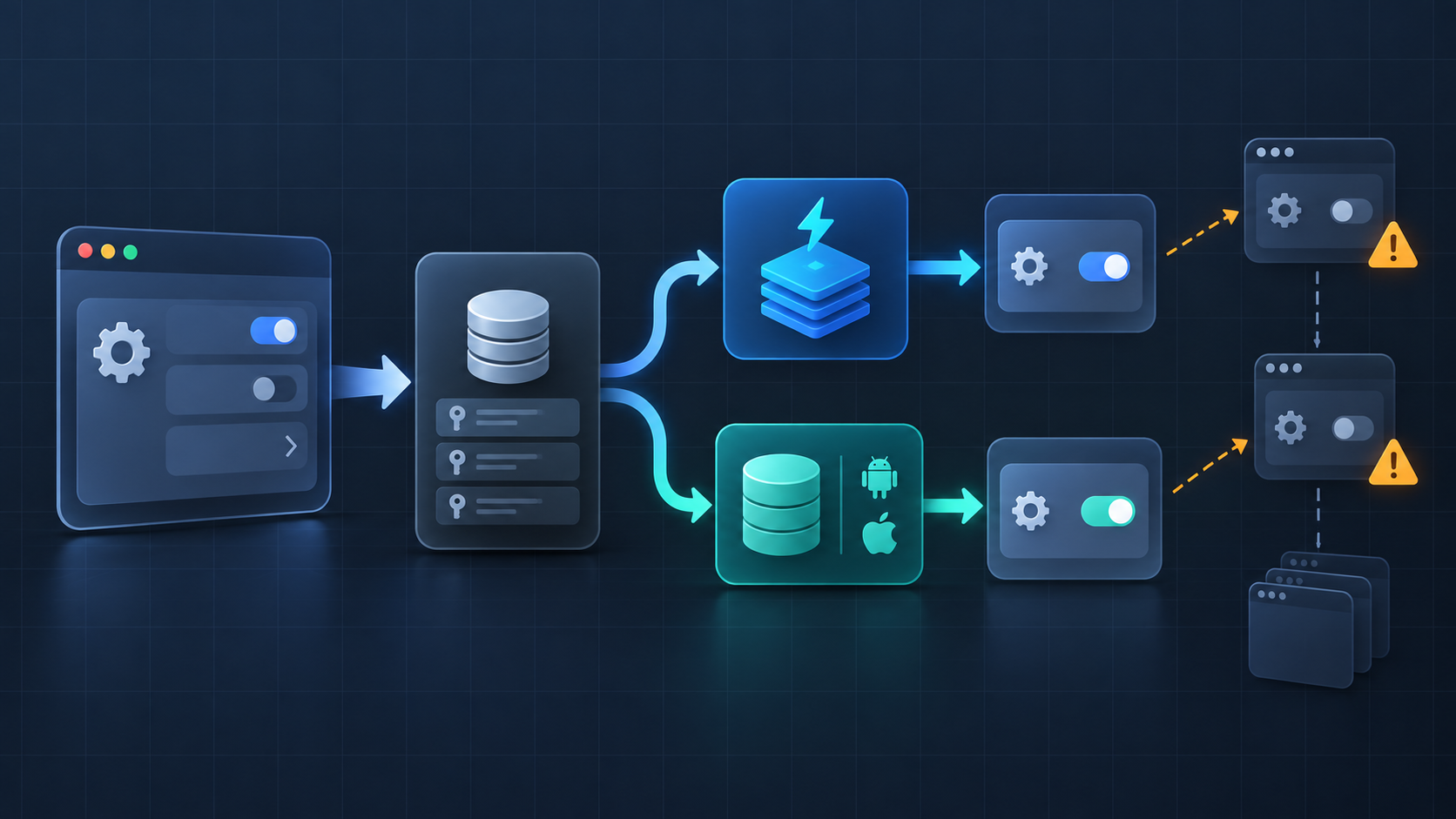
If a Flutter app has users on several released database versions, Drift’s SchemaVerifier is the safer choice for release validation. It creates an old schema, runs the real migration code, and compares the resulting SQLite schema with the expected one. It does not replace a backup or a device upgrade test, and it is unnecessary for an app whose local database can be deleted without losing user data.
The failure that a fresh install hides
Suppose the current schema is version 3. A new install creates version 3 directly, so it never exercises v1 → v2 → v3. An existing user can take that exact path after an update. A migration that works from version 2 may still fail from version 1 because a column, index, or data transformation was assumed to exist already.
| Release path | What it proves | What it can miss |
|---|---|---|
| Fresh install | The latest schema can be created | Every upgrade path |
| Upgrade one version | The nearest migration works | Users skipping releases |
SchemaVerifier from old snapshots | The schema reaches the expected structure | Product-specific data rules unless you add fixtures |
SchemaVerifier plus old data | The structure and selected rows survive | Platform storage and real-device behavior |
The useful unit is not “does schemaVersion equal 3?” It is “can a real v1 database become the v3 database without losing the records the app promises to keep?”
Keep migration steps independent
Drift’s step-by-step migration API gives each transition the schema snapshot it should target. That avoids accidentally using today’s generated table definition while implementing yesterday’s migration.
After exporting schema snapshots, generate the helper with this command. The command belongs in the project that owns the Drift database.
dart run drift_dev schema steps drift_schemas/ lib/database/schema_versions.dartThe database class can then delegate upgrades to the generated steps:
import 'package:drift/drift.dart';
import 'database.steps.dart';

part 'database.g.dart';

@DriftDatabase(tables: [Todos])
class AppDatabase extends _$AppDatabase {
  AppDatabase(super.e);

  @override
  int get schemaVersion => 3;

  @override
  MigrationStrategy get migration => MigrationStrategy(
        onCreate: (m) => m.createAll(),
        onUpgrade: stepByStep(
          from1To2: (m, schema) async {
            await m.addColumn(schema.todos, schema.todos.dueDate);
          },
          from2To3: (m, schema) async {
            await m.addColumn(schema.todos, schema.todos.priority);
          },
        ),
      );
}
The important detail is schema.todos, not a reference to the current AppDatabase getter inside an old migration. A user upgrading directly from v1 to v3 must run both functions in order. Drift documents this as a reason to use independent fromXToY functions: older starting versions remain testable instead of being collapsed into one conditional block. See the step-by-step migration guide.
Generate a verifier, then test the real database
Exported snapshots are the test fixtures. Generate the migration-only database implementations under test/generated_migrations:
dart run drift_dev schema generate drift_schemas/ test/generated_migrations/Your application database needs a constructor that accepts a QueryExecutor; otherwise the verifier cannot attach its versioned connection.
AppDatabase.forTesting(QueryExecutor executor) : super(executor);The test can now start at an old version and invoke the production migration strategy:
import 'package:drift_dev/api/migrations_native.dart';
import 'package:test/test.dart';

import 'generated_migrations/schema.dart';
import 'generated_migrations/schema_v1.dart' as v1;

void main() {
  late SchemaVerifier verifier;

  setUpAll(() {
    verifier = SchemaVerifier(GeneratedHelper());
  });

  test('v1 reaches the current schema', () async {
    final connection = await verifier.startAt(1);
    final database = AppDatabase.forTesting(connection);

    await verifier.migrateAndValidate(database, 3);
  });
}
migrateAndValidate compares SQLite’s sqlite_schema definitions semantically, so a test failure points to a structural mismatch rather than merely a version-number mismatch. Drift’s migration testing documentation also describes schemaAt, which is the piece needed when the test must insert v1-shaped rows before upgrading.
Add data fixtures for destructive-looking changes
Schema validation alone cannot tell you that a renamed value was mapped correctly. For that, create the old database using the v1 generated classes, insert a small fixture, migrate it, and assert the new representation.
test('v1 rows keep their meaning after migration', () async {
  final raw = await verifier.schemaAt(1);
  final oldDb = v1.DatabaseAtV1(raw.newConnection());

  await oldDb.into(oldDb.todos).insert(
        v1.TodosCompanion.insert(title: 'Ship release'),
      );

  final database = AppDatabase.forTesting(raw.newConnection());
  await verifier.migrateAndValidate(database, 3);

  final row = await database.select(database.todos).getSingle();
  expect(row.title, 'Ship release');
  expect(row.priority, 0); // Replace with the product's intended default.
});
The 0 above is an explicit example assumption, not a Drift default. Use the value your product can explain to a user. For a new NOT NULL column, choose one of these paths before shipping:
| Change | Safer migration shape |
|---|---|
| Add required field | Add nullable or temporary default, backfill, then enforce the invariant |
| Rename field | Copy old values into the new field and test both old and empty rows |
| Split one field | Parse and backfill with a deterministic rule; retain the old value until verified |
| Drop field | Confirm no supported app version still reads it; archive if recovery matters |
Release checklist
- Export a snapshot for every supported starting version.
- Generate step-by-step migration code after the schema change.
- Test the oldest supported version directly to the current version.
- Include rows for empty, typical, and boundary data.
- Run
migrateAndValidateand a separate data-integrity assertion. - Keep the old snapshot and test in source control with the migration.
- Test opening the database on each supported platform, because generated schema checks do not cover every filesystem or native-driver condition.
The short rule is: fresh-install tests protect the present, while versioned Drift fixtures protect the upgrade someone already has on their phone. Add SchemaVerifier when local data matters, and keep the database deletable as the fallback only when the product can genuinely recreate that data.